Blog
How to post a ZvZ CTA from Discord
Step-by-step guide for officers: use the AlbionZVZ Discord bot to announce a ZvZ event, collect signups, and share a live roster link with your callers.
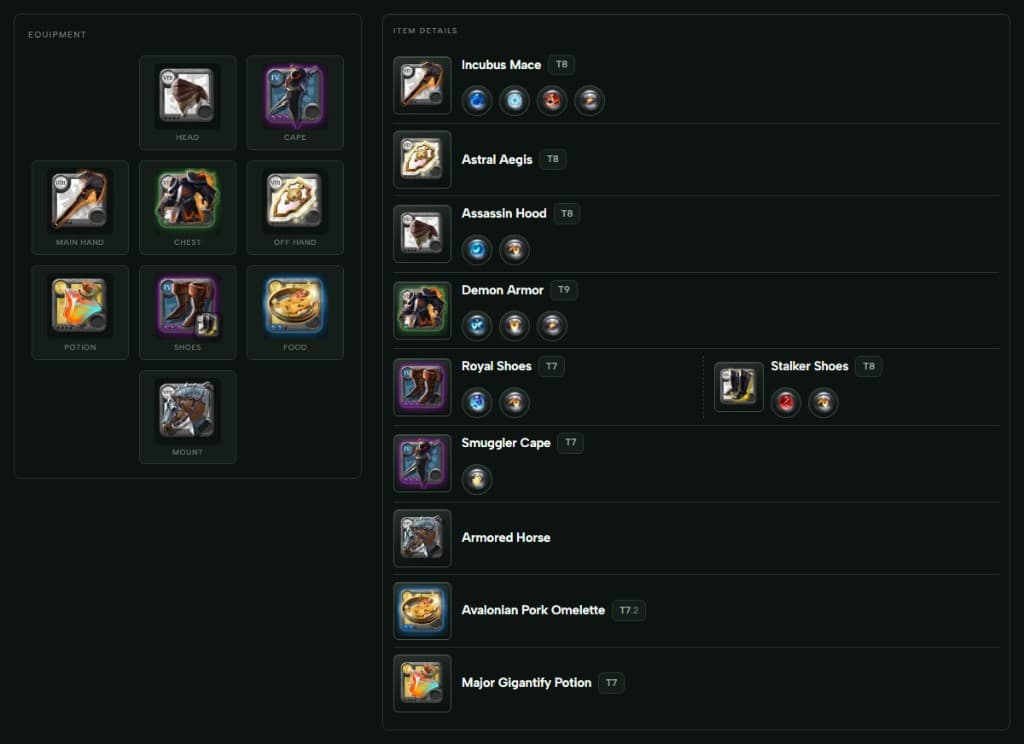
Posting a call-to-action from Discord is the fastest way to get your guild signed up for the next ZvZ. This guide assumes your guild workspace is already linked to your Discord server. If not, complete Discord integrations first.
Before you run /cta
Check these once per season — they save confusion on fight night:
- Bot permissions — AlbionZVZ needs to post and embed in your CTA channel. Officers configure which Discord roles can run commands under Integrations.
- Composition ready — Pick the comp snapshot you want on the event. Players will choose builds from that pool at signup.
- Start time — Use UTC or be explicit in the message body; the bot stores
starts_atfor reminders.
Only members with the right Discord role (or server managers when roles are empty) can run officer commands. Everyone else still sees the commands list but gets a permission error — that is intentional.
Post the CTA
In your events or announcements channel:
- Type
/ctaand select the AlbionZVZ command. - Fill in the event title, start time, and composition (or pick from recent templates).
- Submit. The bot posts an embed with a Sign up button linking to the web roster.
The embed is your source of truth in Discord; the website holds the live signup sheet and party assignments.
What players see
Members click Sign up (or use /register onboarding if they are new). They pick a build that fits your comp, confirm attendance, and land on the shared event page. Officers see the same data in the guild dashboard with extra controls for assignments and visibility.
Share the event link with shot callers who are not in Discord — the /e/… URL works without an account for read-only roster views.
After posting: officer checklist
- Pin or cross-post the CTA if your server is busy.
- Watch signup count in Discord or on the web — nudge roles if you are short on tanks or cleanses.
- Assign parties when you are close to mass time; the public page updates for callers automatically.
- Mark done after the fight if you use post-event workflows (payouts, attendance exports).
For deeper detail on each field in the wizard, see Create an event and Discord CTA commands.
Common issues
| Symptom | Fix |
|---|---|
/cta not visible | Confirm bot is in the server and commands synced; check Integrations → command permissions. |
| Players cannot sign up | They may need to join the guild workspace or link an Albion character if your guild requires it. |
| Wrong comp on the event | Edit the event on the website before mass; Discord embed title can be updated from staff tools. |
Wrap-up
Discord is the megaphone; AlbionZVZ is the roster. Once /cta is routine, most guilds post every mass in under a minute. Next up: we will cover how players sign up from the shared link if they miss the Discord ping.
Questions? Contact us or ask in the community Discord.