Blog
Guild Battles analytics for every member
The Battles page is now open to all guild members — filter fights by mass, UTC patterns, and per-battle K/D without asking an officer for a spreadsheet export.
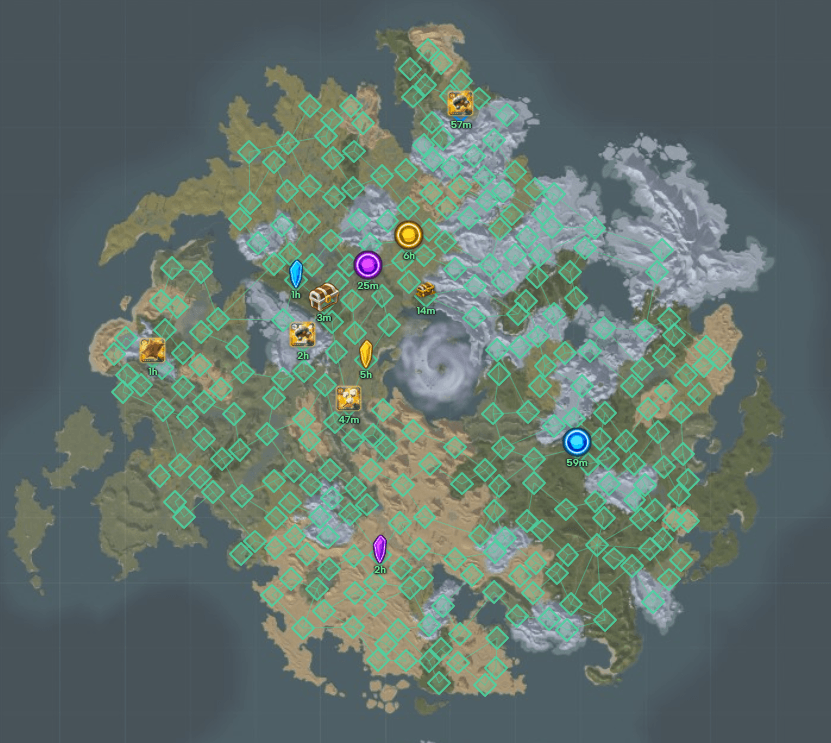
Officers used to be the only ones with a convenient view of recent ZvZ performance. We opened the Battles dashboard to every guild member — same filters, same per-fight breakdown, no special env flag or officer ticket required.
What changed
Any member with access to your guild workspace can open Battles from the dashboard and:
- Browse recent fights your guild participated in.
- Filter by mass size, time windows, and UTC timer patterns (useful when you schedule around prime hours).
- Inspect per-battle K/D and related stats to see how a particular call went.
The goal is transparency: recruits see what they are joining, regulars track improvement, and officers spend less time screenshotting stats into Discord.
Battles sit alongside the rest of your guild ops — map planning, objectives, and events — so context stays in one product instead of a forgotten tab in a third-party killboard.
How members use it
Recruitment — link promising players to a fight where your comp looked organized. Comp review — after Sunday mass, pull the worst K/D fight and discuss positioning without debating memory. Personal improvement — see whether deaths clustered on specific timers or matchups.
Officers still manage sensitive payout and attendance data elsewhere; Battles is read-only analytics for fight history exposed to the roster.
Privacy and data sources
Stats depend on what your guild ingests and links. If a fight is missing, it may not have been captured by the pipeline yet or may fall outside retention windows. We document limitations in Analytics.
This is fan tooling — not official Albion API branding. Treat numbers as operational signals, not gospel.
What is next
We are iterating on export and comparison views based on officer feedback. If you want a blog walkthrough on reading K/D trends for comp calls, tell us in Discord.
For now, log in, open your guild, and click Battles. If you do not see the tab, your guild may still be on onboarding — ask an officer to confirm your membership.